Canvas Studio Guide: Higher Ed Edition
Canvas Studio reimagines video as an active, collaborative learning tool specifically built for the higher education landscape. By moving away from passive consumption, this platform integrates media directly into the Canvas LMS, allowing students and instructors to engage through threaded discussions and interactive video quizzes. This approach transforms a standard lecture or demonstration into a vibrant dialogue, fostering a more connected digital campus where every student has a voice and every video becomes a powerful opportunity for critical thinking.
The platform provides faculty with a streamlined media lifecycle, from effortless screen recording and webcam capture to automatic captioning for enhanced accessibility. Most importantly, Canvas Studio offers precise, real-time analytics that give instructors deep insights into how students are interacting with content—identifying exactly where engagement peaks or drops. By empowering students to also act as creators through video assignments, Studio helps institutions scale personalized instruction and ensure that digital media serves as a meaningful bridge to student success and academic mastery.
View the E-Book
"The Canvas Studio Guide (Higher Ed Edition)" is a comprehensive guide designed for colleges and universities to maximize the pedagogical potential of video. It moves beyond treating video as a passive medium, positioning Canvas Studio as a core component of the "Ed-cosystem" that facilitates active learning and two-way communication. The document argues that in a modern Higher Ed environment, video should be a collaborative space where students and instructors engage deeply with content and each other.
Key pillars of the guide include:
- Active Video Engagement: Highlighting the platform's ability to allow students and instructors to comment, discuss, and ask questions directly on the video timeline, turning content into a conversation.
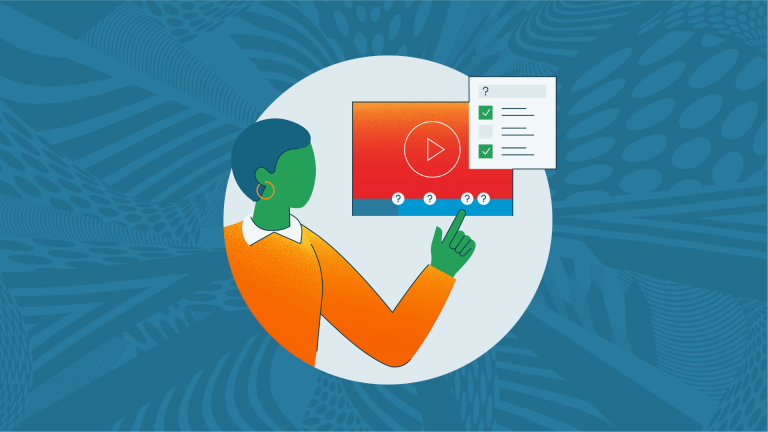
- Integrated Formative Assessments: Detailing how embedded quizzes and knowledge checks within videos help instructors measure student comprehension in real-time and provide immediate feedback.
- Powerful Analytics for Educators: Showcasing how instructors can use viewer data to see exactly how students are interacting with content—identifying which parts are being watched, skipped, or re-watched to inform future teaching.
- Student Content Creation: Encouraging students to move from consumers to creators by using Studio’s intuitive recording tools for video assignments, demonstrations, and peer reviews.
- Accessibility and Scalability: Emphasizing features like automatic captioning and a mobile-friendly interface to ensure that high-quality video learning is inclusive and accessible to all students, regardless of device or ability.