20 Ways to Use Canvas for Face-to-Face Learning
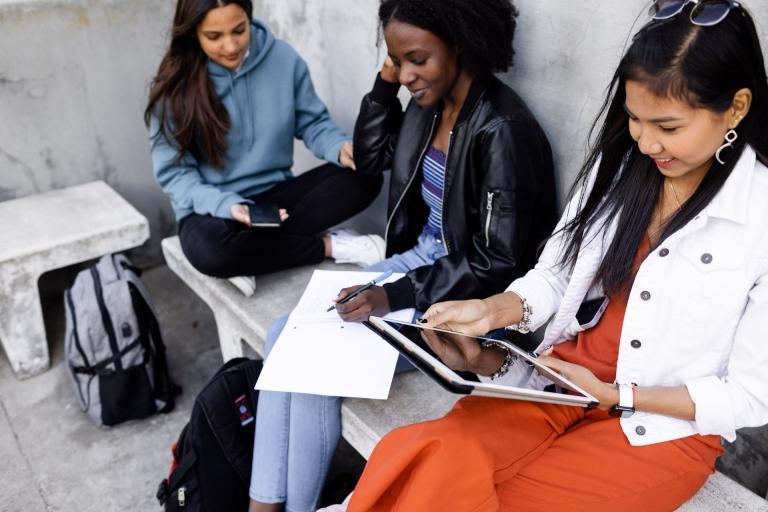
The integration of Canvas LMS into face-to-face classrooms is a powerful way to bridge the gap between physical and digital learning environments. This guide highlights how educators across the APAC region can use Canvas to enhance—not replace—the traditional classroom experience by streamlining administrative tasks and fostering active participation. From centralizing course materials to facilitating real-time digital check-ins, the platform provides a flexible foundation that allows teachers to focus more on direct student engagement and less on manual paperwork.
The document outlines twenty practical strategies for the in-person classroom, such as using SpeedGrader for instant, personalized feedback and leveraging digital discussions to give every student a voice. By utilizing features like the "To-Do" list for student organization and interactive modules for structured learning, teachers can create a more transparent and equitable classroom. These blended learning techniques empower students to take ownership of their progress while providing educators with the data-driven insights needed to personalize instruction and drive meaningful academic growth for every learner.
How Canvas strengthens traditional classrooms
A learning management system (LMS) enhances in-person instruction by:
✔️ Increasing student engagement with digital discussions, quizzes, and multimedia resources.
✔️ Keeping materials and schedules organised so students always know what’s next.
✔️ Reducing administrative workload with tools for grading, feedback, and course management.
✔️ Encouraging collaboration through group work, shared resources, and peer-to-peer learning.
20 practical strategies for your classroom
From quick check-in quizzes to interactive video discussions, technology can support deeper learning and better classroom experiences. Download our guide to explore 20 effective ways educators are using Canvas in face-to-face settings.